


Launch your IT career — develop the help desk operations, customer communication, and technical troubleshooting skills needed to succeed in entry-level IT support roles.
Customer support roles offer an excellent entry point into tech, exposing you to a wide range of technologies and systems that build a strong foundation for career growth. IT Customer Support Basics prepares you for entry-level IT support roles by developing a foundational understanding of help desk operations. The curriculum covers practical skills including effective customer communication, professional documentation, technical troubleshooting processes, the use of remote support tools, and researching solutions using AI and troubleshooting tools. Hands-on exercises reinforce both customer service and technical skills through real-world scenarios. This is the first course in the four-course IT Support Specialist Career Path, which prepares learners for the Cisco Certified Support Technician (CCST) IT Support certification.
Curriculum Chapters
- 1. Customer Service in IT Support
- Help Desk Concepts
- Professional Communication Skills
- Customer Interaction and Documentation
- 2. Processes and Tools for Troubleshooting
- The Troubleshooting Process
- Remote Access Support
- Researching with AI and Troubleshooting Tools
- Common Application Issues
Skills You Will Learn
Explain help desk concepts including ticketing systems, escalation procedures, and service level agreements. Apply professional communication skills when interacting with end users in IT support contexts. Document customer interactions accurately and effectively. Apply a structured troubleshooting process to diagnose and resolve common IT issues. Use remote access support tools to assist users in diverse computing environments. Research solutions using AI-assisted tools and standard troubleshooting resources. Identify and resolve common application issues across different platforms.
Technologies Used
Help desk and ticketing systems
Remote access support tools
AI-assisted research and troubleshooting tools
Course Details
Course Type: Free self-paced
Time: 4 Hours
Modules: 2
Level: Beginner
Prerequisites
None. This is the first course in the IT Support Specialist Career Path.
Certification & Career
Career and Certification alignment: This course is the first of four in the IT Support Specialist Career Path, which prepares learners for the Cisco Certified Support Technician (CCST) IT Support certification and entry-level IT support roles. Upon completion, earners receive the IT Customer Support Basics Cisco digital badge.
Achievements & Badges
Upon completion, earn a Cisco Networking Academy digital badge. Share your verified achievement on LinkedIn, your CV, or professional profile.
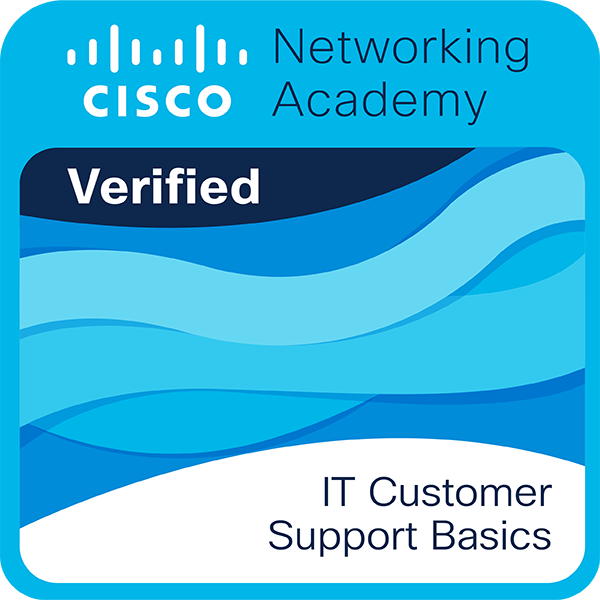
What Cisco verifies: Cisco verifies the earner of this badge successfully completed the IT Customer Support Basics course. The holder of this credential has foundational knowledge of help desk operations, professional customer communication, technical troubleshooting processes, remote access support tools, and AI-assisted research techniques for resolving common IT issues in diverse computing environments.
Ready to Start This Course?
This course is delivered through Cisco Networking Academy — the official global learning platform. To enroll, click the button and you will be taken to the official course page on netacad.com. If you already have a Cisco Networking Academy account, simply log in and click Get Started. If you are new to the platform, creating a free account takes less than a minute. Enrollment is completely free.
You will be redirected to netacad.com.
A free account is required to enroll.