

Build foundational knowledge of the operating systems that power every smart device — from Windows and Linux on desktop to Android and iOS on mobile.
Every smart device uses an operating system — personal computers, smartphones, game consoles, smart TVs, and more. Whether the OS is Windows, Linux, macOS, Android, or iOS, knowing how it works is a key digital skill for success in any IT career. Operating Systems Basics covers the fundamentals of operating systems, including the purpose and characteristics of OS environments, Windows architecture and security, Linux shell operations and file system management, mobile device network connectivity and email configuration, and mobile OS security for Android and iOS. Hands-on practice is delivered through 18 labs covering real-world configuration and administration tasks.
Curriculum Chapters
- 1. The Windows Operating System
- Windows History
- Windows Architecture and Operations
- Windows Configuration and Monitoring
- Windows Security
- 2. Linux Overview
- Linux Basics
- Working in the Linux Shell
- Linux Servers and Clients
- Basic Server Administration
- The Linux File System
- Working with the Linux GUI
- Working on a Linux Host
- 3. Mobile Device Connectivity
- Wireless and Cellular Data Networks
- Bluetooth
- Email Configuration
- Mobile Device Synchronization
- 4. Mobile Operating Systems and Security
- Android Versus iOS
- Mobile Touch Interface
- Common Mobile Device Features
- Passcode Locks
- Cloud-Enabled Services for Mobile Devices
- Mobile Device Software Security
Skills You Will Learn
Explain the history, architecture, and operations of the Windows operating system. Configure and monitor Windows and apply Windows security measures. Explain Linux basics and navigate the Linux shell to manipulate text files. Manage Linux servers and clients, administer basic server settings, and manage the Linux file system and permissions. Work with the Linux GUI and use tools to detect malware on a Linux host. Configure wireless and cellular data network connectivity and Bluetooth on mobile devices. Set up mobile device email and synchronisation. Compare Android and iOS operating systems and explain the mobile touch interface and common device features. Apply mobile security measures including passcode locks, cloud-enabled services, and mobile device software security.
Technologies Used
Windows OS (configuration, monitoring & security)
Linux shell & GUI (Bash, file system, server administration)
Android & iOS mobile platforms
Wireless, cellular & Bluetooth connectivity tools
Course Details
Course Type: Free self-paced
Time: 12 Hours
Modules: 4
Labs: 18
Level: Beginner
Prerequisites
None. Completion of Computer Hardware Basics is recommended.
Certification & Career
Career and Certification alignment: No target certification exam for this course. Upon completion, earners receive the Operating Systems Basics Cisco digital badge plus four module-level sub-badges for Windows, Linux, Mobile Device Connectivity, and Mobile Operating Systems and Security. This course is a recommended foundation for the IT Essentials course and entry-level IT support roles.
Achievements & Badges
Upon completion, earn a Cisco Networking Academy digital badge plus four module-level sub-badges for Windows, Linux, Mobile Device Connectivity, and Mobile Operating Systems and Security. Share your verified achievements on LinkedIn, your CV, or professional profile.
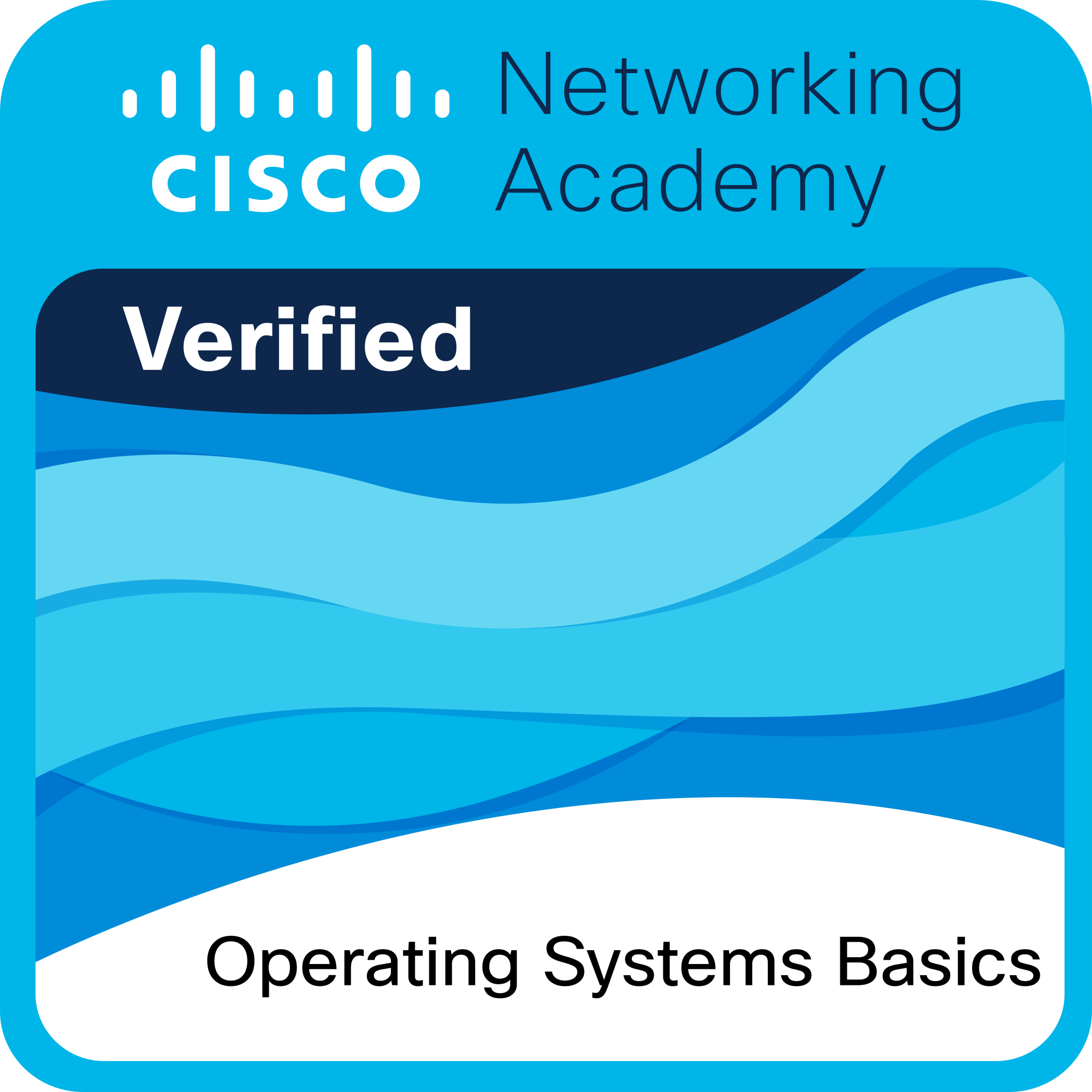
What Cisco verifies: Cisco verifies the earner of this badge successfully completed the Operating Systems Basics course. The holder of this student-level credential has foundational knowledge of operating systems including Windows architecture, configuration and security, Linux shell operations and file system management, mobile device network connectivity and email configuration, and mobile OS security for Android and iOS platforms.
Ready to Start This Course?
This course is delivered through Cisco Networking Academy — the official global learning platform. To enroll, click the button and you will be taken to the official course page on netacad.com. If you already have a Cisco Networking Academy account, simply log in and click Get Started. If you are new to the platform, creating a free account takes less than a minute. Enrollment is completely free.
You will be redirected to netacad.com.
A free account is required to enroll.